
Download free Eagle symbols & footprints for millions of electronic parts
Design faster with the first & leading search engine for electronics design
What Is SnapMagic Search?
SnapMagic Search is a free online CAD library for Eagle, with symbols, footprints, and 3D models for millions of electronic components. Start downloading today!
How It Works?

1. Search For a Part
Search millions of Eagle libraries by part number or keyword

2. Download
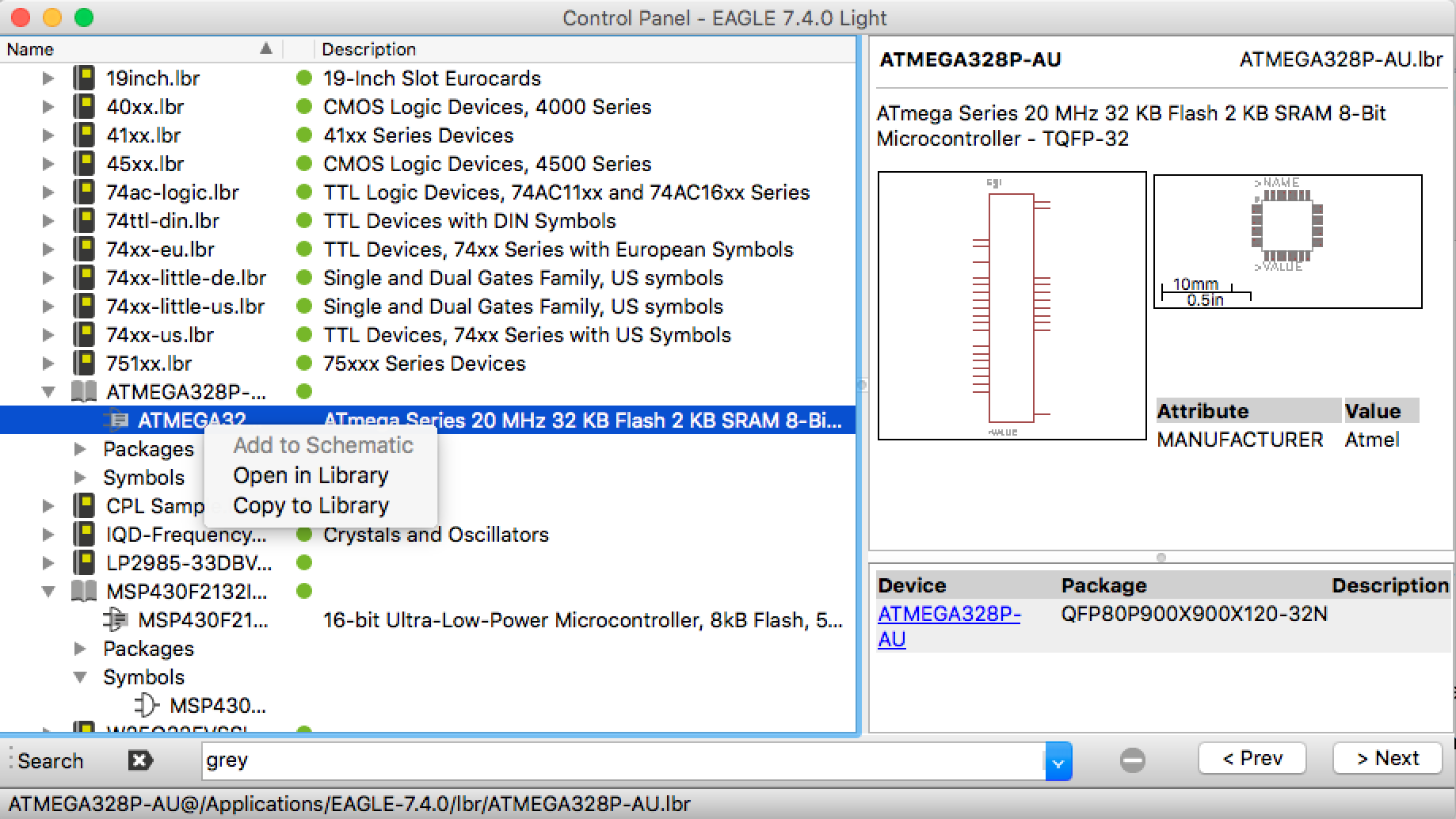
Download the Eagle schematic symbol and PCB footprint for free

3. Get Back to Design
Import directly into Eagle (and other CAD tools) and save hours on design
What Standards Do We Follow
SnapMagic Search follows IPC-7351B standards for its footprints, and a combination of IEEE-315 and its own standards for symbols.
All models are created by our component engineering team using a mix of automated and manual processes, and verified with a three-step verification process.
Learn more about our standards here.
Eagle Plugin
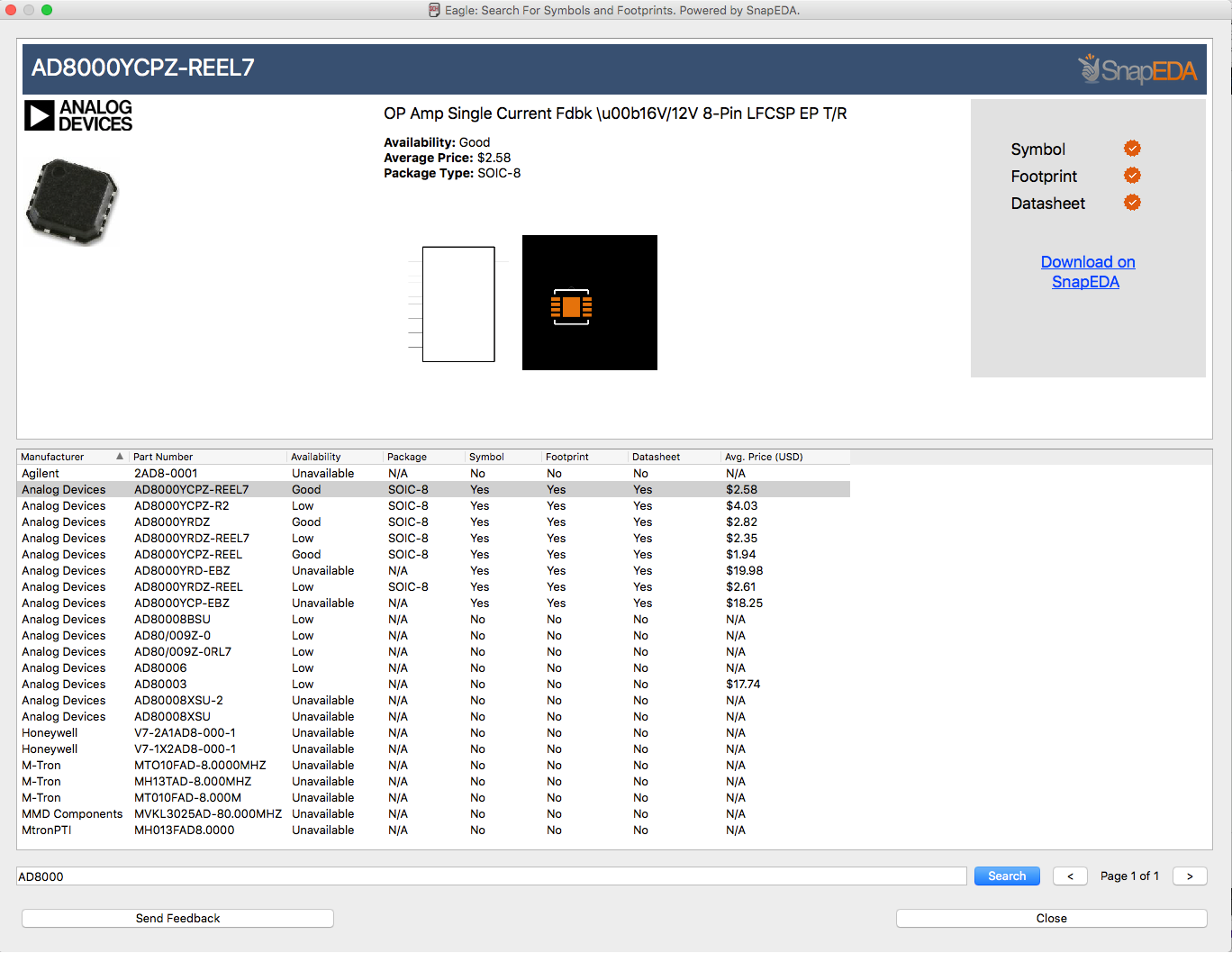
Want to find Eagle libraries without leaving your design environment? Search for symbols, footprints and 3D models right inside of Eagle with the SnapMagic Search Plugin.

Get any component delivered in 1 business day
SnapMagic Search's libraries are free, but if a part isn't yet available, we'll deliver it to you within 1 business day! Get the Eagle symbol & footprint for only $29 (or less).
Start browsing top manufacturers
Find Eagle libraries for top component manufacturers, including Texas Instruments and Linear Technology.


Translate your libraries
Upload your Eagle libraries and translate to other formats with our free, easy-to-use file converter. We support export to Altium, KiCad, & Cadence OrCad/Allegro.

Eagle Tutorials

Join SnapMagic Search Today
How to Install the SnapMagic Search Plugin for Eagle
-
Download Eagle (if necessary):
https://www.autodesk.com/products/eagle/overview -
Upon launching Eagle, you’ll see the Control Panel.
Go to File > Open > Scripts > and select eagle.scr. Add the following line to the MENU area in both the BRD and SCH sections:
'[bin/snapeda.png] SnapEDA : Run ulp/snapeda.ulp;'\ -
Download the SnapMagic Search Eagle Plugin. After unzipping, move both snapeda.ulp and json.inc into the ulp folder in the Eagle application directory.
- In the bin folder, add the snapeda.png icon from Downloaded folder.
- The SnapMagic Search plugin is now installed. When you start a new Schematic or Board, you should be able to see the SnapMagic Search icon in the top menu bar.